Salesflare Pricing: Three Seat Rates, Two Currencies
Salesflare's cards switch between monthly and annual billing and between dollars and euros. The seat rates, the five user Enterprise floor, credit packs and proration.
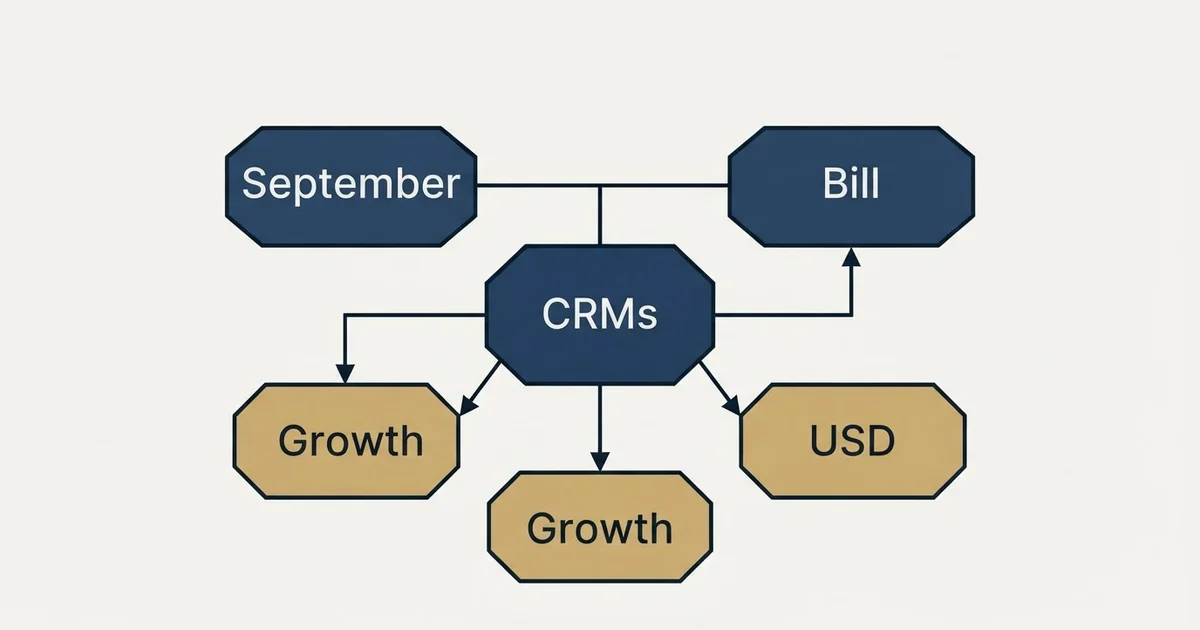
Salesflare pricing is three per-user plans: Growth at $29, Pro at $49 and Enterprise at $99 per user per month billed annually, or $39, $64 and $124 billed monthly, with the same numerals in euros. Enterprise needs five users, and lead credits of 5, 100 or 250 a month come with each tier.
Key takeaways
- Salesflare's pricing page lists Growth, Pro and Enterprise at $29, $49 and $99 per user a month billed annually, or $39, $64 and $124 monthly.
- The page opens on annual billing and shows one state at a time; the euro switch keeps the same numerals, and the credit packs stay in dollars.
- Enterprise has a five-user minimum, so two people on it are billed for five seats: $495 a month billed annually, against $58 on Growth.
- Lead credits come at 5, 100 or 250 a month by tier, with packs of 250 for $39, 500 for $69 and 1,000 for $129.
Reviewed and updated September 21, 2026
Salesflare pricing is three per-user plans in US dollars or euros, and the page opens on annual billing. Salesflare's pricing page lists Growth at $29 per user per month billed annually or $39 billed monthly, Pro at $49 or $64, and Enterprise at $99 or $124, and a switch swaps the dollar sign for a euro sign on the same numerals. It puts the one commercial term that catches small teams out in a bracket after the top tier's price. Enterprise carries a minimum of five users. Everything else on the page is per user with no floor, so the top tier is the only one where a two person team pays for seats it does not have.
Everything below was read from Salesflare's own pricing page, driven through both billing states and both currencies, and from its help centre, with each figure attributed to the surface it appears on.
Salesflare pricing: three tiers, two states, two currencies
Salesflare's pricing page lists Growth at $29, Pro at $49 and Enterprise at $99 per user per month billed annually, or $39, $64 and $124 billed monthly. Enterprise requires at least five users. Every tier includes lead credits, 5, 100 or 250 a month, and more can be bought in packs from $39 for 250. There is a 30-day free trial with no card.
The page carries a Bill monthly and Bill annually switch and a dollar and euro switch, and a visitor sees one billing state at a time. It opens on Bill annually, where each card shows the annual rate with the saving beside it: Growth $29, saving $10; Pro $49, saving $15; Enterprise $99, saving $25, per user with a minimum of five users, as the page states. Clicking Bill monthly turns the same cards to $39, $64 and $124. The served HTML carries both states in its markup, which is why a script-less copy of the page appears to print them side by side.
The euro ladder on the same page carries the same numerals with the euro symbol: 39 and 29, 64 and 49, 124 and 99. That is the symbol-only localisation pattern rather than a currency conversion, and the page presents it through a switcher rather than by where the visitor is, so a visitor in either region sees whichever they pick. The structured data behind the page carries the same six figures twice, once with a USD currency code and once with EUR, which corroborates the switch. One detail survives the switch unchanged: the lead credit packs under the euro cards are still priced in dollars.
The annual saving runs at about a quarter on Growth and just under a quarter on Pro, and a fifth on Enterprise, arithmetic on the figures above rather than a rate the page states. The billing state therefore does not change which tier is the better deal; it changes whether you are committing for a year.
What each tier carries
Growth is the card the page describes as carrying all the CRM features you would expect, and the four items it lists beneath that line are the product's argument: automated CRM data input from emails, signatures and social profiles, with meetings and calls logged; tracking of email opens, link clicks and website visits through an email sidebar and a tracking script; a LinkedIn sidebar, an email sidebar for Gmail and Outlook and a mobile app; and personalised email campaigns from any connected mailbox.
Pro, which the page badges as most popular, adds workflows of multiple emails, user permissions with view-only users and manager groups, and custom dashboards. Enterprise adds setup and tailor-made training, data migration done by the vendor and a dedicated account manager.
Enterprise's five-user minimum is the line that moves a small team's bill most. Two people on Growth billed annually cost $58 a month and on Pro $98, but on Enterprise they are billed for five seats, $495 a month, three of them empty. On monthly billing the same five Enterprise seats are $620. That arithmetic is illustrative, on the page's rates.
Two of the Growth and Pro rows deserve a second read from an outbound seat. The automated data input is the reason a CRM in this bracket stays up to date, because it removes the logging decision from the rep, and the same mechanism appears on the other Gmail-native options in Streak's pipeline inside the inbox. And the multi-email workflows on Pro are the feature to weight at nothing if you run outbound the way this site does, which is covered below.
The credit meter under the seat price
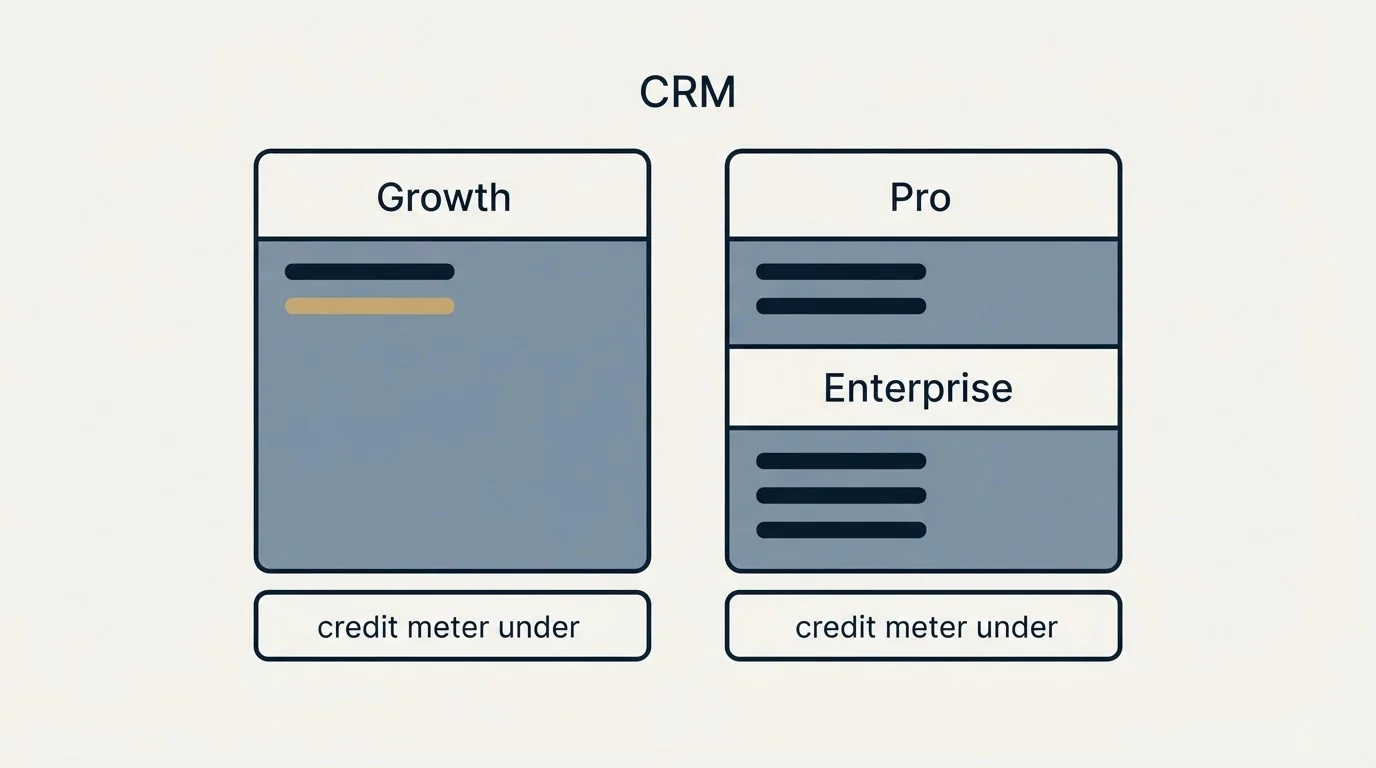
Each tier includes a monthly allowance of lead credits for Salesflare's lead search and email finder: five on Growth, 100 on Pro and 250 on Enterprise. Beneath every card the page publishes the same add-on line: additional monthly lead credits can be bought at 250 for $39, 500 for $69 and 1,000 for $129.
That add-on is the second meter on the page and the one a list-building team will actually hit. Five credits a month on Growth is a trial allowance rather than a working one, so a team that intends to find addresses inside the CRM is either on Pro for the hundred or buying packs from the first month. Worked out on the vendor's own pack prices, the per credit rate falls from 15.6 cents at 250 to 13.8 cents at 500 and 12.9 cents at 1,000, which is arithmetic on the figures above and not a rate the page states.
| Source | Credits a month | Price | Per credit |
|---|---|---|---|
| Growth | 5 | Included | |
| Pro | 100 | Included | |
| Enterprise | 250 | Included | |
| Pack | 250 | $39 | 15.6 cents |
| Pack | 500 | $69 | 13.8 cents |
| Pack | 1,000 | $129 | 12.9 cents |
Whether to find addresses inside a CRM at all is a separate question. A returned address is a claim rather than a verified mailbox, and our own sequence is find, then verify with a separate tool, then send from infrastructure that is not the CRM's, for the deliverability reasons set out in the CRM comparison for cold email teams.
The terms the FAQ commits to
The pricing page's FAQ is unusually direct on the terms that decide a small team's bill, and they are worth quoting as commitments.
On onboarding, the page states there is no charge, and offers a one-on-one training session for the whole team on request. On hidden charges, it states that "The pricing plans are exactly as listed above." and that no feature will be charged extra that is not listed on the page. On limits, it states there are no hidden limits on contacts, users, email templates, tracked emails, sent emails, custom fields, workflows, dashboards or pipelines. On cancellation, it states that a plan can be cancelled at any time with charging stopping immediately, with no multi-year contract and no notice period before renewal. The trial is 30 days with no card, and a trial account converts in place with its data.
The help centre carries the term the pricing page leaves out. Its article on the cost of adding a user repeats the rates and then states the proration rule: on a monthly plan a user added mid-month is charged for the days left in the cycle on the next invoice; on an annual plan a user added mid-year is charged for the remaining days of the year, with the charge landing at the end of the billing month; and a removed user earns a credit for unused days against the next invoice. Only admins can add or remove users.
Who the page says it is for
Salesflare describes itself on its own pages as a simple yet powerful CRM for small and medium-sized businesses selling B2B, and its pricing page quotes chief executives and a sales manager on follow up and deals. The product's shape matches the claim: the whole Growth tier is about capturing sales activity without the rep typing it.
The site's own Outlook CRM comparison reads Salesflare's install guide for the Outlook add-in in detail, including the finding that email tracking inserts reliably only when a Microsoft 365 administrator deploys the add-in rather than each user, which is the operational fact under the tracking row on the pricing page.
What an outbound team should weight at nothing
Pro's headline addition is workflows of multiple emails, described on the page as following up beyond the first mass or automated email with personalised flows from any connected mailbox. That is an accurate description of a sequencer, and it is the feature to weight at nothing for a cold programme run the way this site runs it. RevenueFlow sends one message per campaign, with no bumps and no thread replies, and a non-responding audience becomes a new campaign built on a genuinely different premise. Cold volume also does not belong on the mailbox a company's real relationships run through, which is the sending architecture question rather than a CRM one.
Read that way, the Pro premium is bought for permissions, dashboards and the larger credit allowance rather than for workflows, and the tier decision for a small outbound team is usually Growth for the capture layer plus a separate verification and sending stack, with Pro arriving when a manager needs view-only seats and reporting.
What Pro is worth buying for
- User permissions, view-only users and manager groups
- Custom dashboards and reports
- 100 lead credits a month instead of 5
What to weight at nothing
- Workflows of multiple emails: a sequencer by another name
- Cold volume sent from the mailbox real relationships run through
Why the ranking pages agree, and what they still miss
Search the query and the results are the vendor's pricing page, its compare page, its help centre and a handful of reviews and directories, and for once they agree with the page on the six rates and the five user minimum. What none of them carries is the proration rule, the lead credit packs and the FAQ's no-hidden-limits commitment, which between them decide more of a mid-year bill than the seat rate does. The pattern of a seat rate advertised and a second meter doing the deciding is the same one Copper's pricing page shows.
The short version
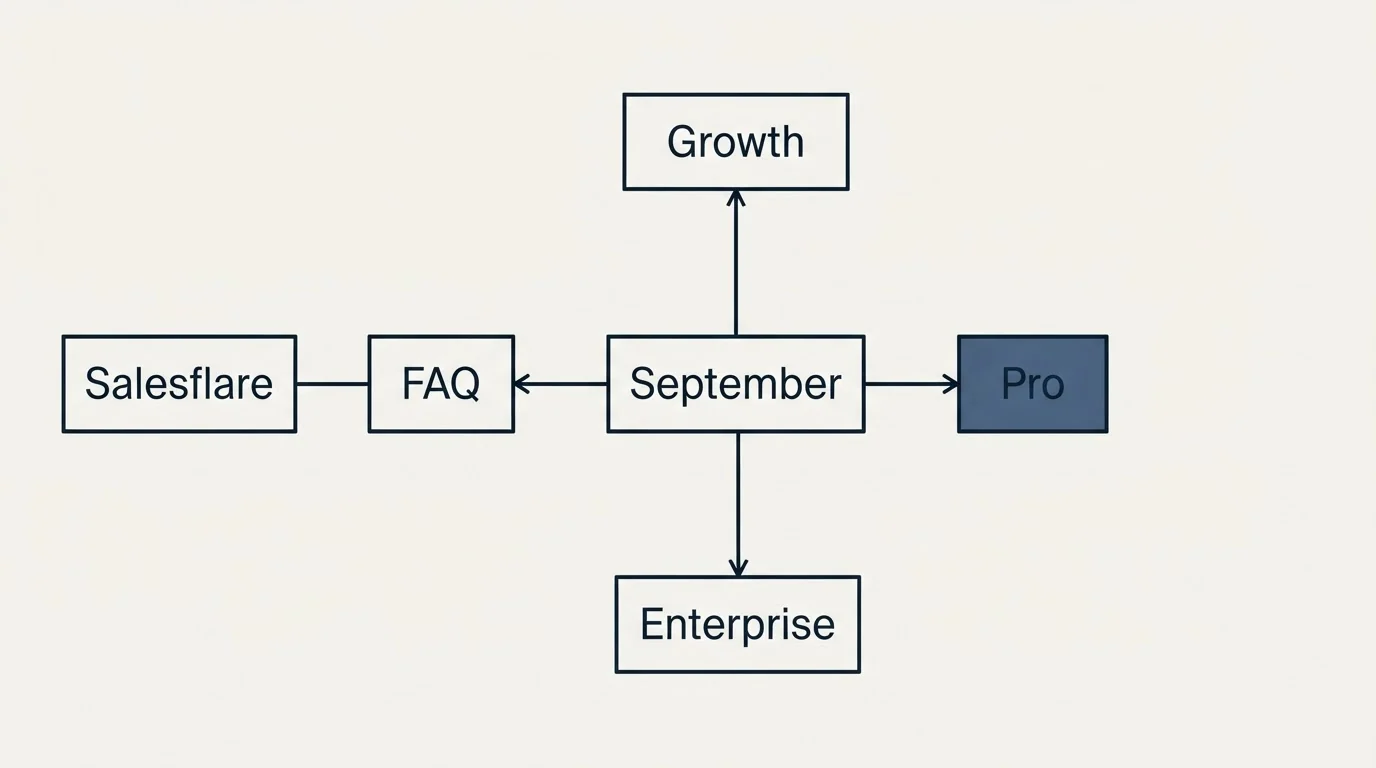
Salesflare's pricing page lists Growth at $29 per user per month billed annually or $39 billed monthly, Pro at $49 or $64, and Enterprise at $99 or $124 with a five user minimum, opening on annual billing, with the same numerals in euros behind a switch. Lead credits on the page run five, 100 and 250 a month with packs at $39, $69 and $129. The FAQ commits to no onboarding charge, no hidden limits and immediate cancellation, and the help centre states day-based proration when users are added or removed.
For the field around it, the site's own Salesflare alternatives page sets the product against the rest of the category. If the constraint is the number of qualified conversations reaching the CRM rather than how they get logged, see what a first campaign produces against a qualification standard agreed in writing before launch.
Pricing and features are taken from the vendors' own pages. Verify current terms with the vendor before relying on them.
Frequently asked questions.
Frequently asked questions- How much does Salesflare cost?
- Salesflare's pricing page lists three plans per user per month: Growth at $29 billed annually or $39 monthly, Pro at $49 or $64, and Enterprise at $99 or $124 with a minimum of five users. The same numerals appear in euros behind a currency switch. There is a 30-day free trial with no credit card required.
- Is Salesflare cheaper billed annually?
- Yes. The page shows the annual rate with the saving beside it: $10 a month on Growth, $15 on Pro and $25 on Enterprise, per user. That works out at about a quarter off Growth, just under a quarter off Pro and a fifth off Enterprise. The page opens on annual billing, so the monthly rates appear only after switching.
- What are Salesflare lead credits?
- Lead credits pay for Salesflare's lead search and email finder. Growth includes 5 a month, Pro 100 and Enterprise 250, and the pricing page sells more as monthly packs: 250 for $39, 500 for $69 and 1,000 for $129. On those packs a credit costs between about 16 and 13 cents, falling as the pack grows.
- What happens to the bill when I add a Salesflare user mid-year?
- Salesflare's help centre says a user added to an annual plan is charged only for the remaining days of the year, with the charge landing at the end of the billing month. On a monthly plan you pay for the days left in the cycle. Removing a user earns a credit for unused days, applied to the next invoice.
About the author.

B2B cold email experts helping companies generate qualified leads through done-for-you outreach campaigns.
RevenueFlow Team
Explore more.
Ready to scale your outreach?
We build GTM engines that book real meetings. See the receipts.
Related articles.
Pipeline CRM Pricing: Three Plans, Two Deal Ceilings
Pipeline CRM publishes its whole ladder at both billing states. The active deal ceilings, the flat add-ons and the onboarding packages are what decide the bill.
Less Annoying CRM Pricing: One Rate, Changed Once Since 2009
Less Annoying CRM publishes a single per user rate with everything included. What it covers, the settled terms, the no discount answer and the one price change.
Pipeliner CRM Pricing: Now Coevera, Two Ladders by Location
Pipeliner CRM became Coevera in 2026 and its pricing page serves a dollar or pound ladder by location. Both ladders, the three seat floor and the billing condition.
Agile CRM Pricing: The Card Shows the Two Year Rate
Agile CRM's cards headline the two year prepaid rate and keep the monthly one in a hover tooltip. The full ladder, the tier meters, the email overage and two FAQs.
Capsule CRM Pricing: Five Tiers, Priced by Where You Stand
Capsule's pricing URL redirects to a signup page that draws dollars or pounds by location. Both annual ladders, the contact ceilings, the add-on and the downgrade rule.
folk Pricing: Per Member Rates and a Two Week Trial
folk's page title promises a free plan its table does not carry. The per member rates in dollars and euros, the meters between tiers, and the trial that ends blocked.